
What players say
Magical Unicorn Dress Up Game offers a calm, creative space for designing fantasy ponies. The animated facial features and color palette tool allow for deep customization. The simple interface and automatic saving make it easy to build a collection. Perfect for anyone who enjoys artistic expression without pressure.
About this game
Game Introduction
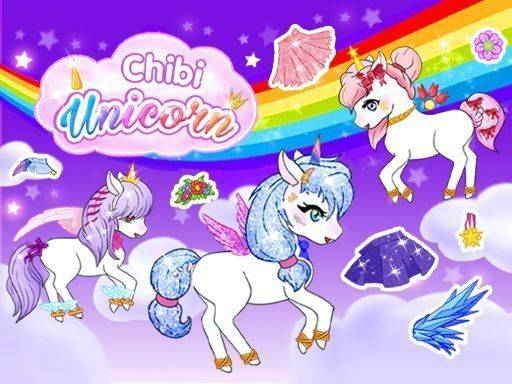
Magical Unicorn Dress Up Game is a digital creative experience that lets you design your own fantasy pony. Start by selecting a base skin and a horn. Then add animated eyes, brows, and lips to give your unicorn a unique personality. The game is designed for relaxed creative play without any stressful rules or timers. You can build a collection of magical friends that reflect your personal style. The focus is on artistic exploration and self-expression in a calm, positive environment.
How to Play
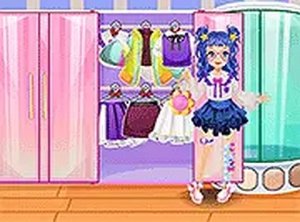
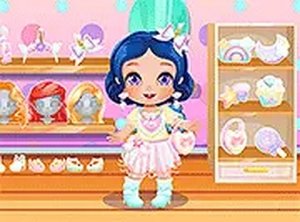
Players tap on categories such as Horn or Eyes to browse available items. They can select outfits, shoes, and accessories like wings and tiaras. A color palette tool lets them change the color of any clothing item. After finishing the design, they choose a pose and background. They can save a screenshot to their device or keep the unicorn in their in-game collection for later editing. The interface is simple and intuitive, making it easy for anyone to start creating immediately.
Game Features
Features include a large library of animated facial features for expressive characters. A color palette tool allows customization of each outfit's hue. A pose selector places the unicorn in different stances. Background options complete the scene. An automatic collection system saves all finished unicorns for future visits. The game encourages creative exploration without pressure.
Tips for Success
Take your time exploring all the options to find combinations you love. Experiment with different colors and accessories to discover new looks. Save your favorite designs to your collection so you can revisit and refine them later. The more you play, the more you will develop your own unique style.



Player comments
Sign in to comment
You must be logged in before posting a review or rating.
No account? Create one
No comments yet. Be the first to comment!